> For the complete documentation index, see [llms.txt](https://en.jego.pro/llms.txt). Markdown versions of documentation pages are available by appending `.md` to page URLs; this page is available as [Markdown](https://en.jego.pro/user-guide/service-details/unlock-chatgpt-and-new-bing.md).
# Unlock ChatGPT and New Bing
How to properly unlock ChatGPT and New Bing in Mainland China
## How to unlock
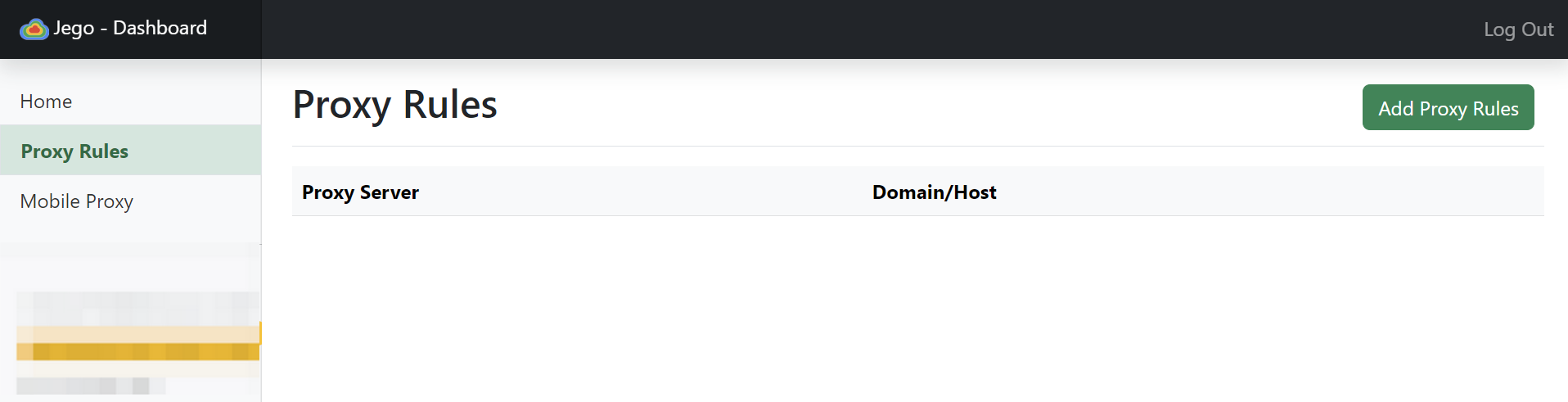
* Make sure there are no Proxy Rules for `openai.com` and `bing.com` in the "**Dashboard**" - "**Proxy Rules**" of **Jego**.
Proxy Rules
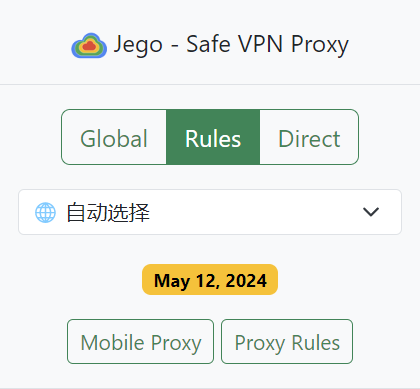
* Both "**Global**" and "**Rules**" modes are fine, and the server node can be chosen freely:
Jego
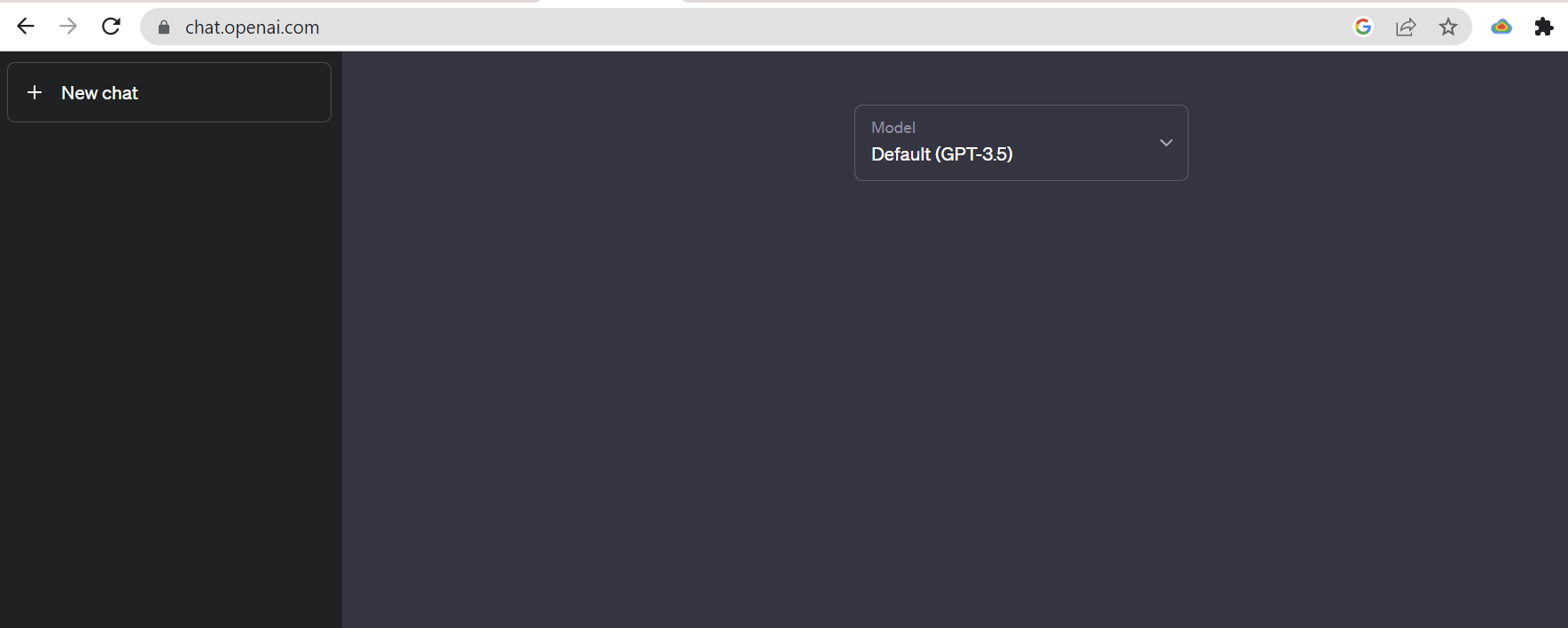
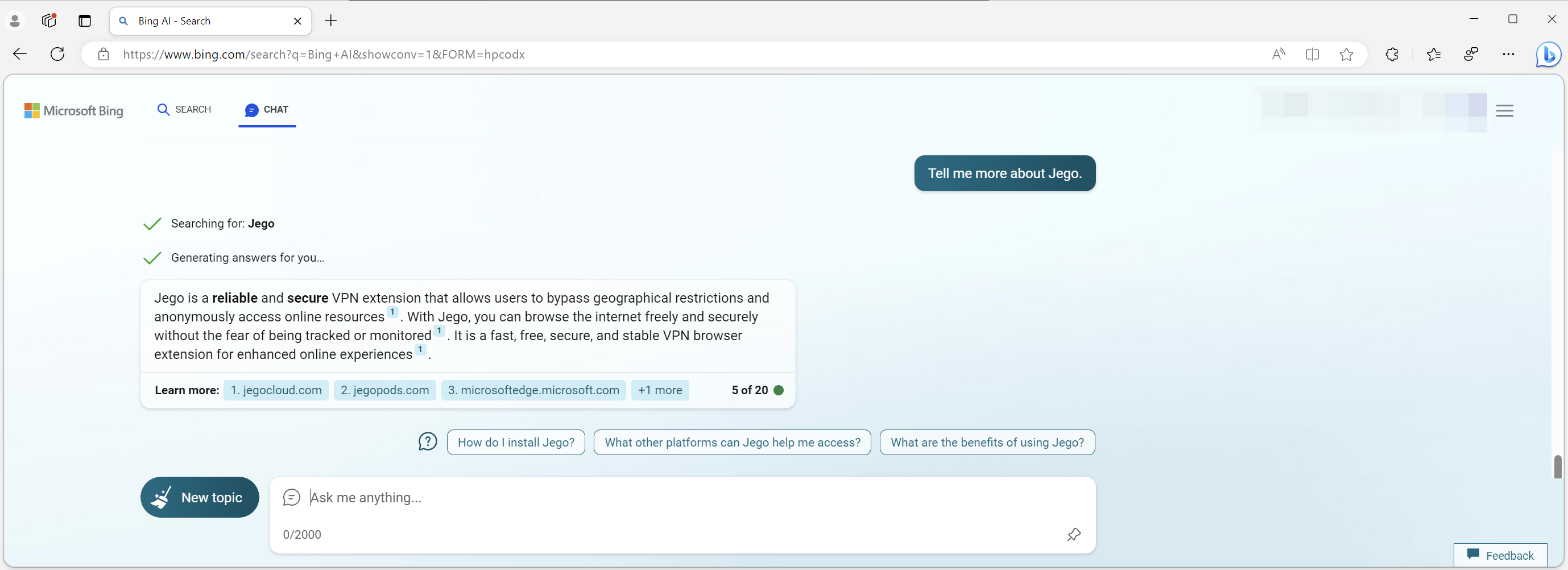
* Now you have successfully unlocked `ChatGPT` and `Bing`:
ChatGPT
New Bing
## Frequently Asked Questions
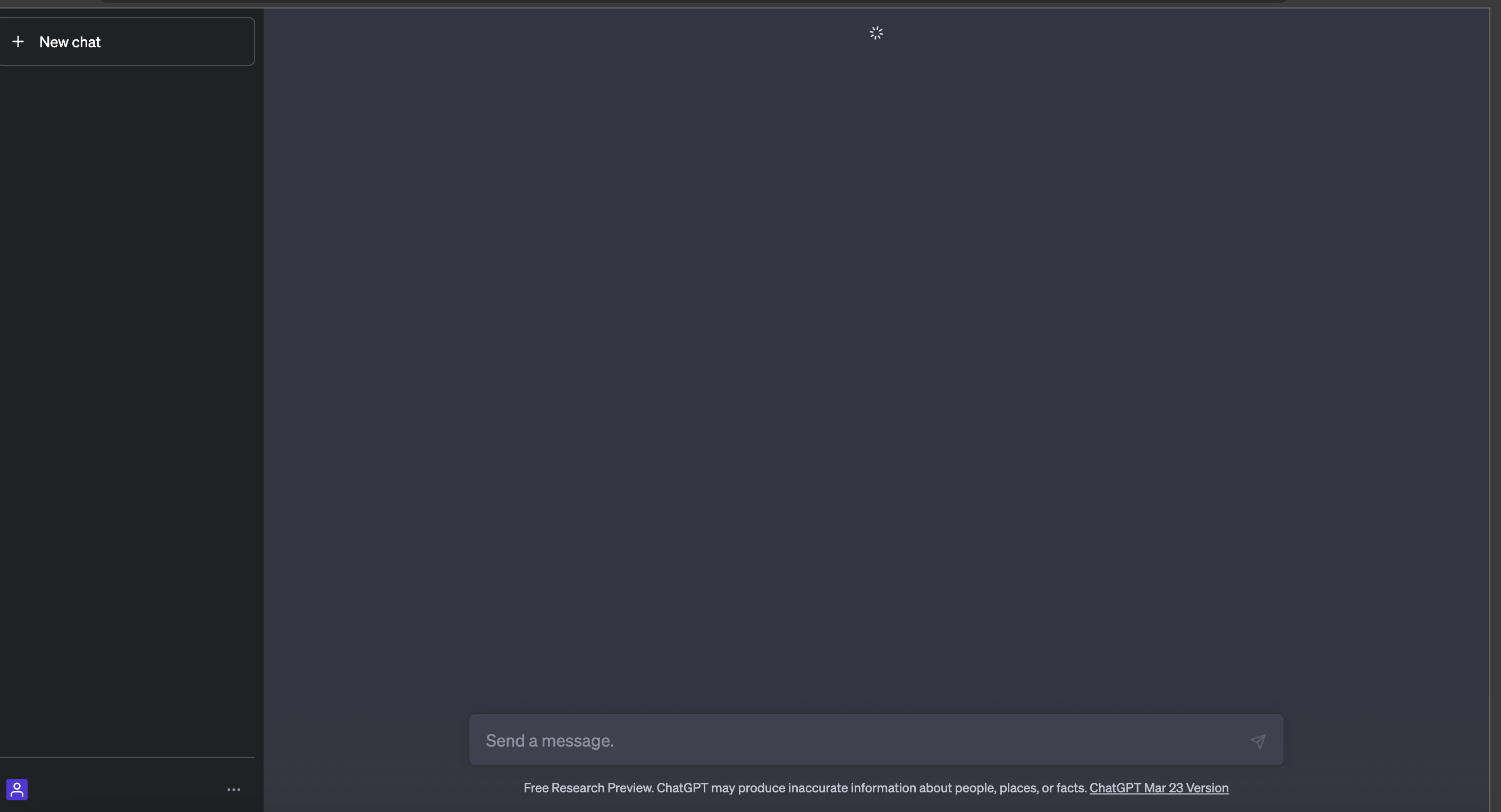
#### Question 1: After logging in to ChatGPT, the conversation window keeps spinning and cannot be used normally.
ChatGPT
#### Solution:
First of all, the fact that you can reach this interface indicates that Jego's ChatGPT unlocking service is functioning properly. Please go to OPENAI.COM to confirm whether your account is restricted. The specific verification method is as follows:
> Visit [platform.openai.com/playground](https://platform.openai.com/playground), enter any character in the dialog box and click Submit. If the prompt says: "You've reached your usage limit. See your usage dashboard and billing settings for more details."
>
> This means that your account has reached the usage limit for ChatGPT, and you need to link a payment method and upgrade your account on openai.com to continue using it.